
Careers & Education Hub
Location: Site E30
Find your future in food and fibre. Explore the hub, talk to real people, follow the trail, and see where the sector could take you.

Your place to plan your future
Fieldays offers an immersive learning experience, showcasing agriculture, forestry, science, technology, and sustainability while highlighting food and fibre career pathways for students, job seekers, and visitors.

Discounted student tickets for school groups of 10 or more
Student tickets are available for $10 each with a promo code. For every 10 student tickets purchased, your group will qualify for one discounted adult 1-day ticket at $15, available for teachers or chaperones.
To access the code for discounted tickets, please register your school.
Your visit, step by step

Step 1
Start at the hub
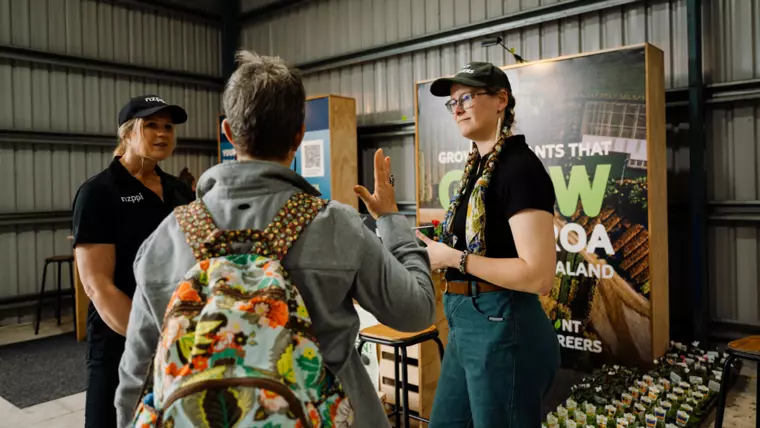
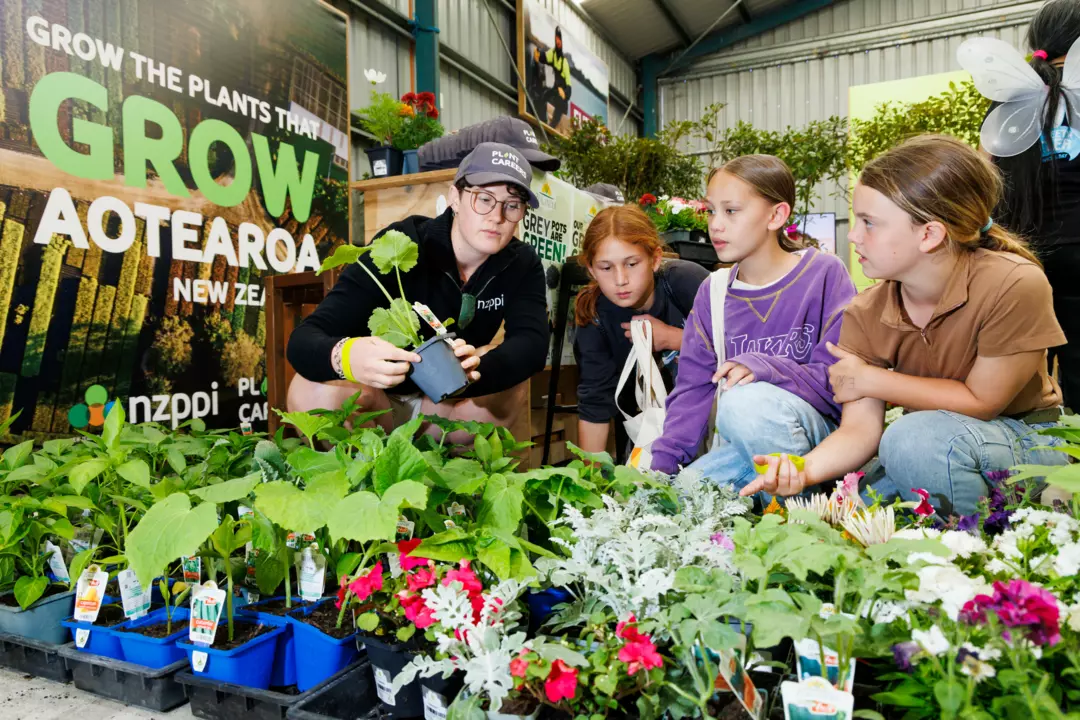
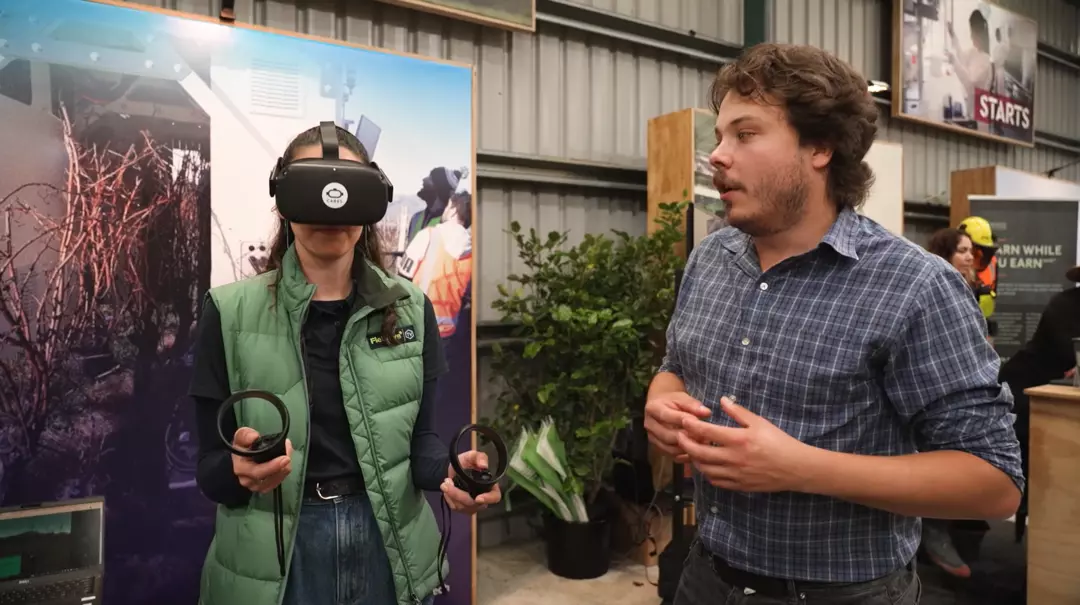
This interactive hub is bustling with activity, as education providers and sector groups collaborate to present career and education pathways to becoming a part of this vital industry in NZ.

Step 2
Join a session
Several engagement sessions are held daily during the event and are popular among students of all ages.

Step 3
Walk the trail
Activate the Fieldays Careers & Education Trail layer on the map on the Fieldays App to see all the participating exhibitors around Fieldays.
Start the Trail at the Hub, or look out for Trail posters at participating sites around Fieldays.

Step 4
Take next steps




2026 Engagement Sessions Timetable
The Fieldays 2027 timetable will be updated in early 2027.
Wednesday 10 June
| Time | Session name | About |
|---|---|---|
| 10:00am | Careers and Education Hub - Careers in Agricultural and Horticultural Science | Presented by Sow the Seed. An introduction to agricultural and horticultural science pathways, helping young people connect with Aotearoa’s food and fibre sector and explore future opportunities. |
| 11:00am | Careers and Education Hub - A candid look at what it’s like to work in Sales at Halter | Halter Territory Managers, Business Development Executives, and Account Managers share what sales roles are really like, including day-to-day work, challenges, customer conversations, team culture, and career growth. |
| 2:00pm | Careers & Education Hub - Hands on learning at Telford | Wanting to start a career in agriculture, equine, or rural animal health? Join the Telford legacy. Train on Telford’s working dairy, sheep, and drystock farms while gaining hands-on experience in specialised classrooms and on-site facilities. With practical learning, industry-focused training, and hostel accommodation, Telford offers a unique rural learning experience that prepares you for the real world. Learn from experienced tutors and farm managers in a supportive, close-knit community where classroom knowledge is backed by real commercial farming experience. From livestock handling to machinery and rural animal care, Telford gives students the skills and confidence to build successful careers in New Zealand’s primary industries. |
Thursday 11 June
| Time | Session name | About |
|---|---|---|
| 10:00am | Careers and Education Hub - Agribusiness in Schools Agri-Careers Chat | Agribusiness in Schools discusses agri-education pathways in secondary schools, connecting classroom learning with primary sector careers and industry opportunities. |
| 1:00pm | Careers and Education Hub - Real Pathways into Sheep, Beef and Deer Farming | Growing Future Farmers shares information about sheep, beef, and deer farming pathways, including hands-on training, the 2027 intake, and real experiences from current students. |
Friday 12 June
| Time | Session name | About |
|---|---|---|
| 10:00am | Careers and Education Hub - Agribusiness in Schools Agri-Education Careers | Grace, the first recipient of the Fonterra Agri-Teacher scholarship, shares her pathway from agribusiness and regional council work into teaching, and how she is helping students connect with primary sector opportunities. |
| 11:00am | Careers and Education Hub - Real Pathways into the Dairy Sector | Information about the Dairy Pilot Programme in partnership with Fonterra, including hands-on dairy training, the 2027 intake, and career pathways for students, farm trainers, and families. |
| 1:00pm | Careers & Education Hub - Hands on learning at Telford | Wanting to start a career in agriculture, equine, or rural animal health? Join the Telford legacy. Train on Telford’s working dairy, sheep, and drystock farms while gaining hands-on experience in specialised classrooms and on-site facilities. With practical learning, industry-focused training, and hostel accommodation, Telford offers a unique rural learning experience that prepares you for the real world. Learn from experienced tutors and farm managers in a supportive, close-knit community where classroom knowledge is backed by real commercial farming experience. From livestock handling to machinery and rural animal care, Telford gives students the skills and confidence to build successful careers in New Zealand’s primary industries. |
| 2:00pm | Careers and Education Hub - Working in Customer Support and Launch at Halter | Halter’s Customer Support and Launch teams discuss what customer roles involve, including farmer conversations, challenges, impact, team culture, and career growth. |
Find sustainable ways to grow our food. Propel Aotearoa New Zealand products into the global market. Join the sector.
“ With such a key sector contributing to the New Zealand economy and the wellbeing of our rural communities, it’s important we have the necessary workforce to meet the demand. „
Fieldays Careers & Education Hub FAQs
Visit Fieldays for school groups for information for teachers, to help with planning a school trip to Fieldays at Mystery Creek. Includes an itinerary suggestion.
Activate the Careers & Education Trail layer on the map on the Fieldays App to find exhibitors with information and opportunities to discuss with you.
The Fieldays App helps you plan, navigate, and get the most out of your Fieldays experience. You can use the app to:
- Plan your visit by browsing exhibitors, products, and event schedules
- Find your way around using interactive maps and site navigation
- Save favourites like exhibitors, events, and activities to create your own itinerary
- Stay up to date with key event information
- Access essential info including parking, transport, amenities, and accessibility details
- Discover what’s on each day, including demonstrations, talks, and competitions
The app is designed to make your Fieldays visit easier, more organised, and more enjoyable, before you arrive and while you’re on site.
Download free from the App Store or Google Play.
Partners, Premier Sponsor, and Media Partner